



Joomla Google Maps Module
GMaps is a free Google maps module for Joomla. This module is designed for Joomla 6. However, it also works on Joomla 5. The module was not tested on low versions of the CMS (3 and 4). The module allows you to set multiple markers on a single map. Marker descriptions and a customizable zoom level are provided. The description appears on the map when you click on a marker. Markers are placed by entering latitude and longitude values. If there are multiple markers on the map, you can specify the map center coordinates. If you omit the center coordinates when there are multiple markers, the first marker will be used as the center. If you specify only one marker, you do not need to enter the map center coordinates. Multiple modules can be displayed on a single page.
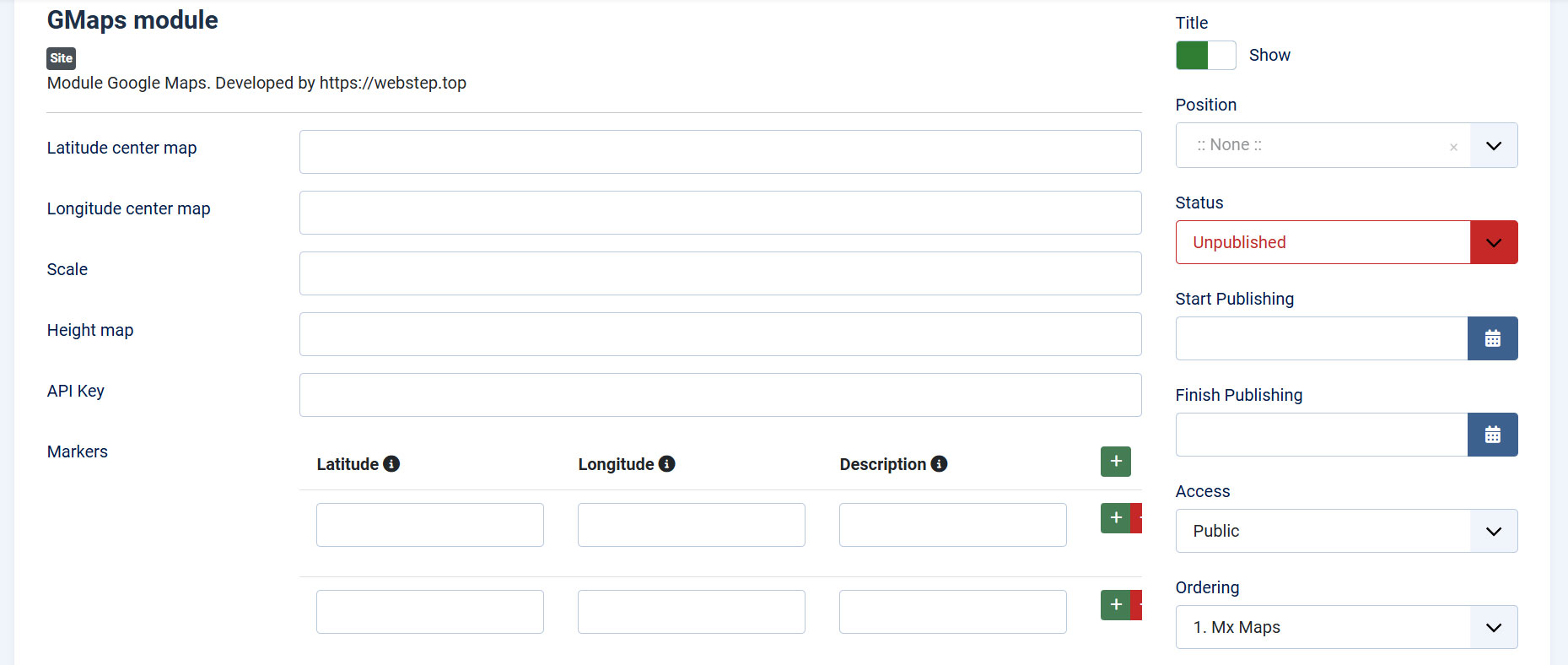
The map height is configurable through the admin interface. The default value is 300 pixels. The default scale value is 14.
The module’s width is unlimited and takes up the full width. This means the map width is 100%. You can limit the width manually using CSS or the width of an external block.
View a demo of the module: https://joomla.webstep.top/gmaps-demo
The module does not contain any hidden or non-hidden links that would be displayed on your website.
To use the module, you need to fill in a JavaScript API key for Google Maps. You can generate an API key on the Google Cloud Platform (https://console.cloud.google.com/).
Features
- Multiple markers on one map
- Multiple maps on one page
- The module is free
- Responsive
In the administration panel, the module settings look like this:
You can download the module for free from this site – Download
Or you can download it from GitHub.
Installation
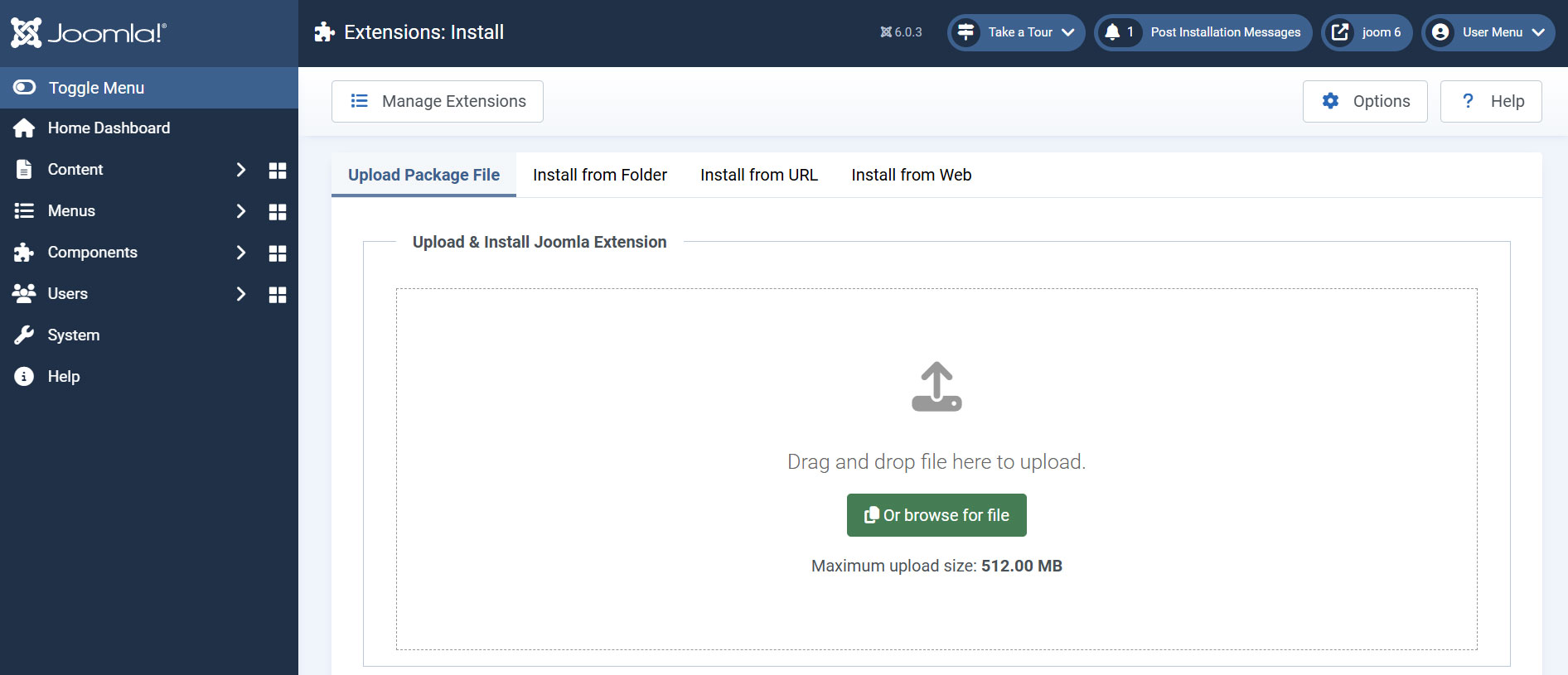
Upload the module archive in zip format using your website’s admin panel.
Even if the module is free, you can still thank the developer if the module was useful to you.

Other ways to donate are here
Recommended version of Joomla is 6+
The current version of the module is 2.0.0

Similar posts:
-
Step Options Plugin for WordPress
At some point, I needed a way to display identical content blocks across multiple pages, with the ability to manage and update them easily from the WordPress admin panel....
-
How to Remove the "Website" Field from the WordPress Comment Form
By default, WordPress includes a "Website" or "URL" field in its comment form. While this may be useful in some cases, it often attracts spammers who leave low-quality co...
-
Fixing Image URL in ACF (Advanced Custom Fields)
The ACF (Advanced Custom Fields) plugin is a great and convenient tool for extending the functionality of Wordpress. ACF allows you to add custom fields to your project's...
Leave a Reply